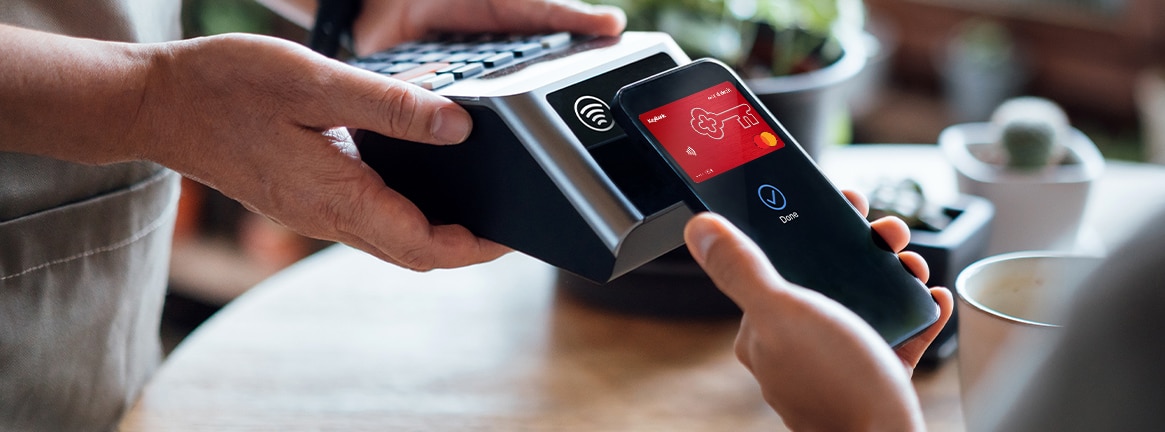
KeyBank and Digital Wallets
Fast, secure, and convenient online and mobile purchasing.
Adding your KeyBank credit and debit cards to the digital wallet on your mobile device allows you to pay from your Key accounts both in-store and online.
How to add KeyBank accounts to your digital wallet
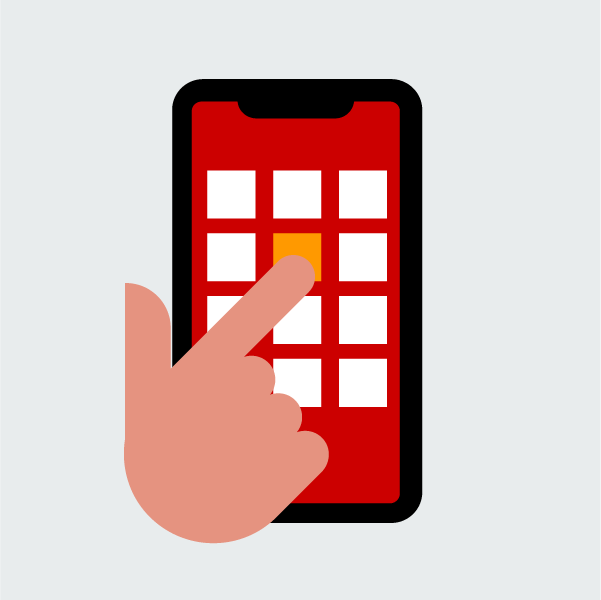
Step 2.
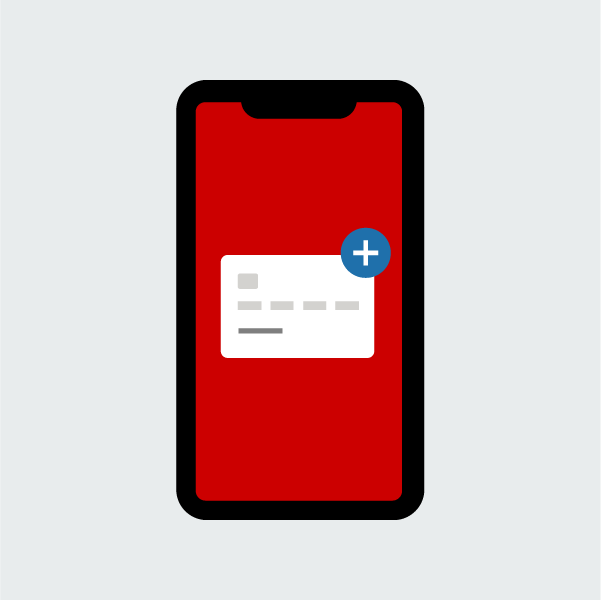
Add card
Go to the “Add to Wallet” section of the app and select the card type you wish to add.
Step 3.
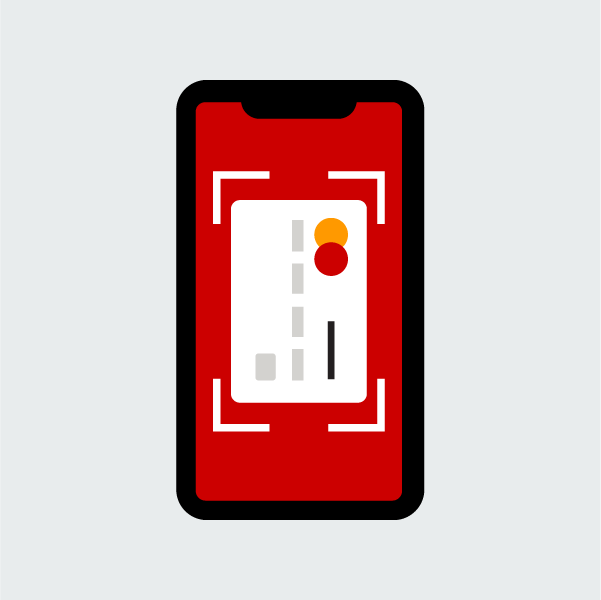
Enter card details
Provide your card information by taking a picture of the card or entering card details.
Step 4.
Complete set-up
Follow the prompts to complete your set-up.
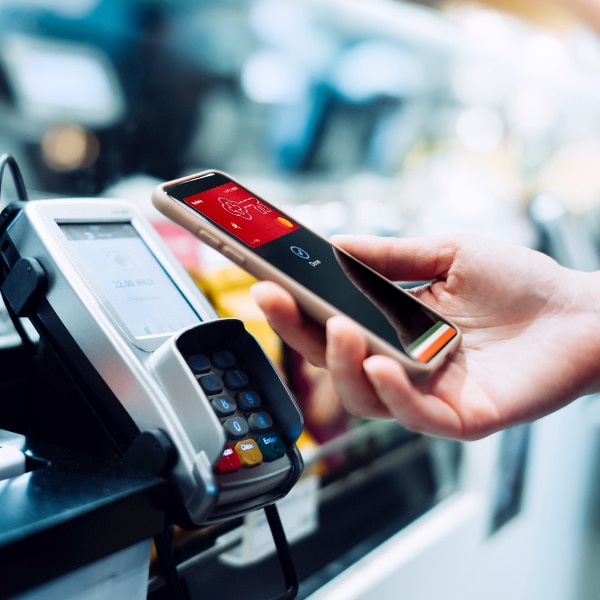
Where to use your digital wallet
 .
.
Find your digital wallet and get started



Frequently Asked Questions
The digital wallet on your mobile device allows you to pay from your bank accounts quickly and securely both in-store and online
A mobile wallet is a type of digital wallet. Both digital and mobile wallets are used to make purchases with securely stored credit and debit card information in the wallet app on your mobile device. In-store purchasing may also be referred to as making a mobile payment.
You can use a digital wallet for in-store, online, and in-app purchases.
Unlock relationship benefits
Earn higher interest rates, more cashback, loan discounts, and more. Open an eligible KeyBank checking account to get started.


Mastercard is a registered trademark, and the circles design is a trademark of Mastercard International Incorporated.
Apple Pay® is a trademark of Apple Inc.
Google Pay is a trademark of Google LLC.
Samsung Pay is a registered trademark of Samsung Electronics Co., Ltd.
KeyBank Member FDIC