Quickly and securely connect Google Pay digital wallet to your KeyBank accounts.

Benefits of Google Pay with KeyBank

Fast

Quick, contactless payments.

Secure

Your account information is not shared.

Convenient

Accepted wherever you see the Google Pay logo.

How to Set Up Google Pay on your device
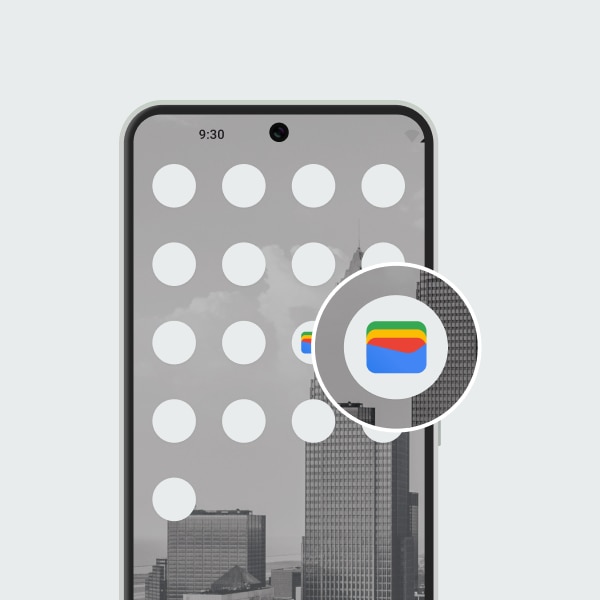
Step 1. Open Google Wallet

If you don't have the Google Wallet app yet, download it from the Google Play store.

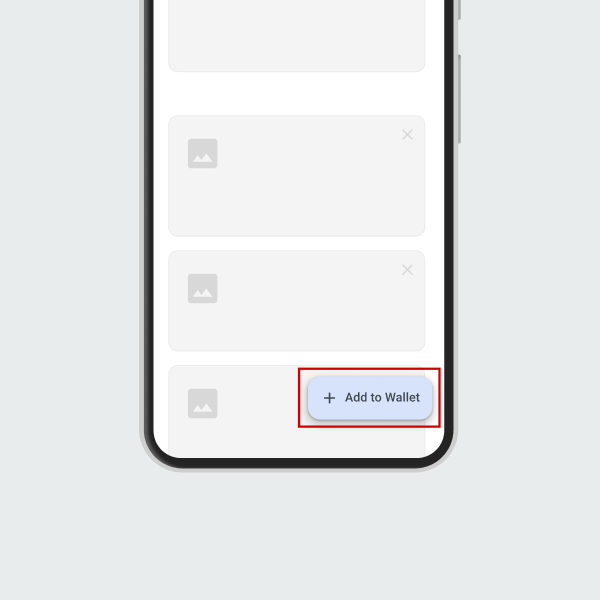
Step 2. Add debit or credit card

Tap “Add to Wallet” and choose the type of card to add.

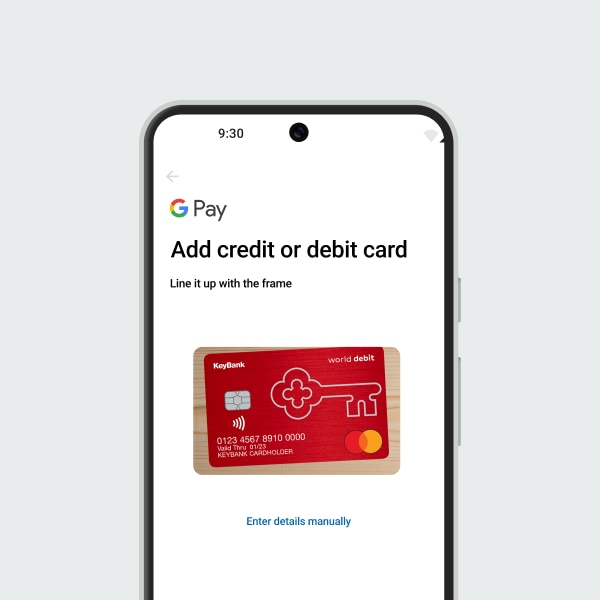
Step 3. Activate Card

Take a picture of the card or enter your KeyBank debit or credit card info manually.

Where to use Google Pay

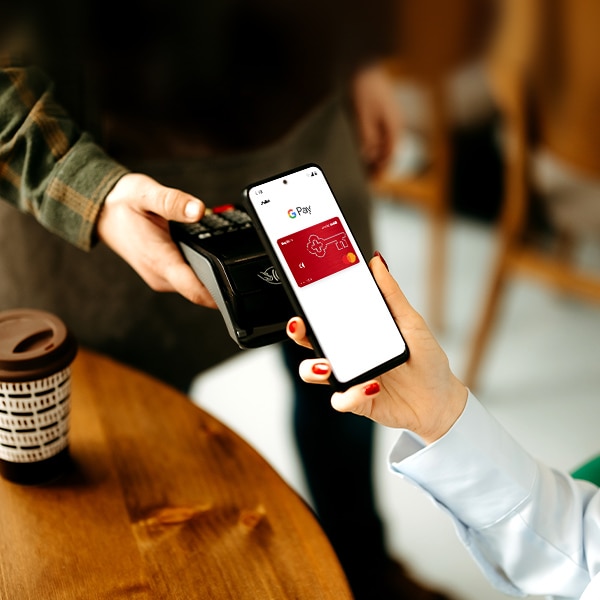
hand holding phone

In-Store

Use your Google device at the check-out counter wherever you see the contactless payment symbol.

hand on top of laptop keyboard

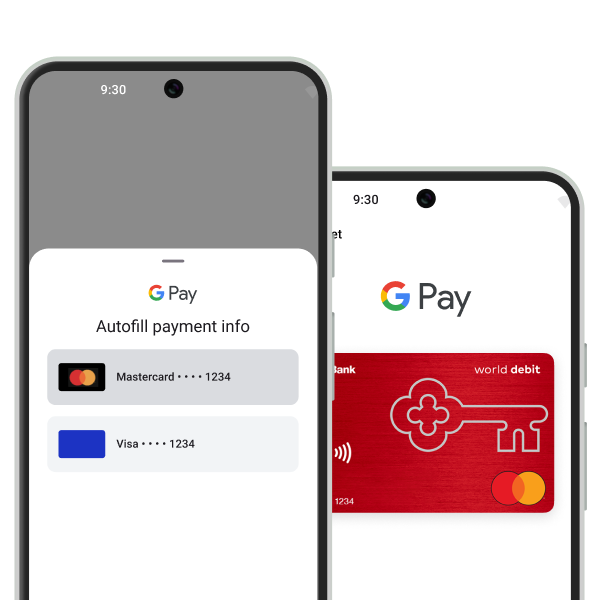
Online and in apps

Look for the Google Pay logo in online checkouts and pay the easy way.

Look for these symbols when checking out

tap or Google Pay logo

In-Store

Buy with Google Pay button

Online or in-app

Frequently Asked Questions

Google Pay can be used with most personal KeyBank debit and credit cards.

Google Pay is not available for KeyBank Business debit and credit Mastercard®, KeyBank Possibilities Prepaid Mastercard®, KeyBank HSA Debit Mastercard®, or with cards associated with KeyBank home equity or personal lines of credit.

No, KeyBank does not charge a fee for using Google Pay.

Visit Google Pay support for help.

Unlock relationship benefits

Earn higher interest rates, more cashback, loan discounts, and more. Open an eligible KeyBank checking account to get started.


SAVINGS ACCOUNTS

earn a higher interest rate with relationship benefits.

earn a higher interest rate with relationship benefits.

CASHBACK CREDIT CARD

with relationship benefits, you'll earn 2% unlimited cashback on purchases.

with relationship benefits, you ll earn 2% unlimited cashback on purchases.

HOME LOANS

relationship benefits could give you a 0.25% discount on home loans.

relationship benefits could give you a 0.25% discount on home loans.

Google Pay and Google Play are trademarks of Google LLC. Android, Google Pay, and the Google Logo are trademarks of Google LLC.

Mastercard is a registered trademark, and the circles design is a trademark of Mastercard International Incorporated.

Call Us

1-800-KEY2YOU® (539-2968)

Dial 711 for TTY/TRS

Clients using a relay service:
1-866-821-9126

Schedule an Appointment

Talk to a Branch Manager in your neighborhood.

Schedule an appointment now

Find a Branch or ATM

Call Us

1-800-KEY2YOU® (539-2968)

Dial 711 for TTY/TRS

Clients using a relay service:
1-866-821-9126

Schedule an Appointment

Talk to a Branch Manager in your neighborhood.

Schedule an appointment now